01
Pick the day
Your selected weigh-in day becomes the first day of each calendar row.
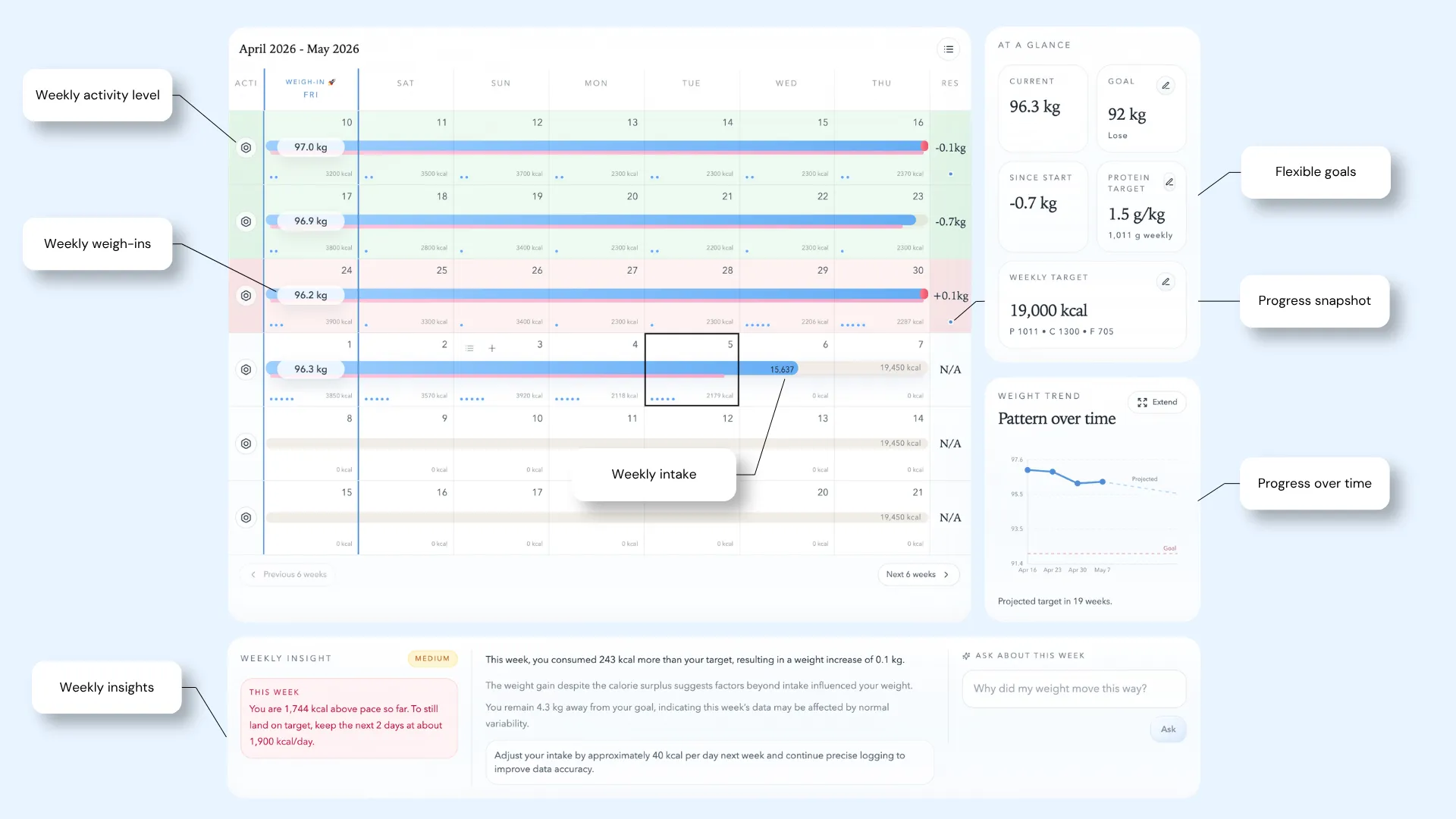
Weekly weigh-in tracker
Weighra gives your weigh-in context by placing it beside the calories and activity that shaped the week.
The idea
A scale number by itself can feel random. Weighra connects each weekly weigh-in to the week that came before it, so you can see what likely influenced the result.
1
weekly weigh-in
7
day calorie context
1
clear weekly result
Workflow
01
Your selected weigh-in day becomes the first day of each calendar row.
02
The first weigh-in sets your baseline. Later weigh-ins create week-to-week results.
03
Weighra compares the latest result with the previous weigh-in and explains the week.
Benefits
Records stay attached to the week they belong to, even as time moves forward.
Each completed week shows the result where you expect it.
Once a result is complete, you can save a private progress photo for that week.
Questions
You can keep using the tracker. The weekly board is built around the day you choose, but consistency improves comparability.
The first weigh-in sets the starting point. A result needs a previous weigh-in for comparison.
Yes. The weekly result can help show whether weight is steady, trending up, or trending down.
Log rough calories, record your weigh-in, and let the weekly pattern become visible.