Weekly signal
One weekly rhythm instead of seven daily guilt loops.
Log rough calories, weigh in once, and let the relationship become obvious.
Weekly signal
Log rough calories, weigh in once, and let the relationship become obvious.
Quiet feedback
The app explains patterns calmly instead of flooding you with warnings, streaks, and pressure.
Low friction
You do not need perfect macros or precise ingredient scales to learn something useful week to week.
All you need
One board for calories, weigh-ins, activity, results, and explanation. Open the desktop preview larger or swipe through the mobile screens.
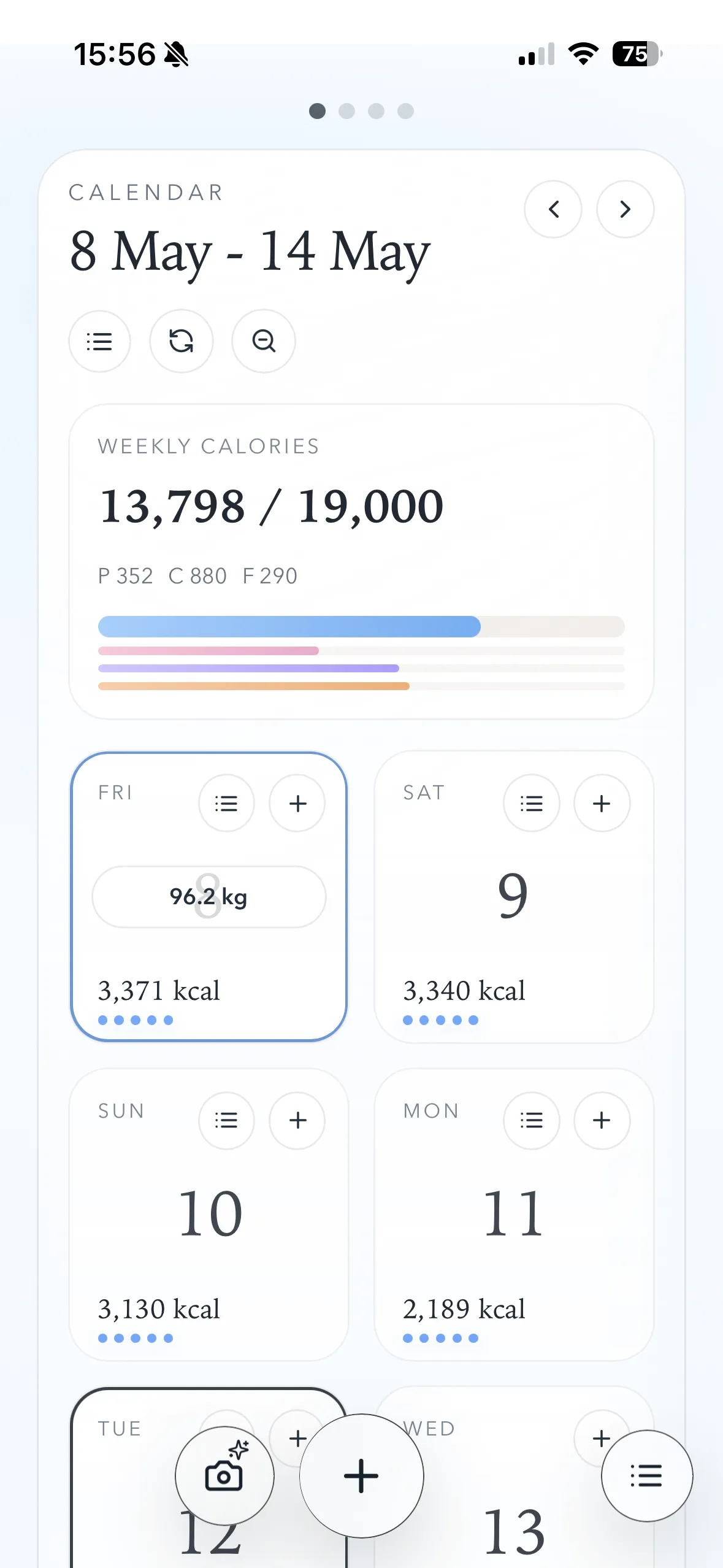
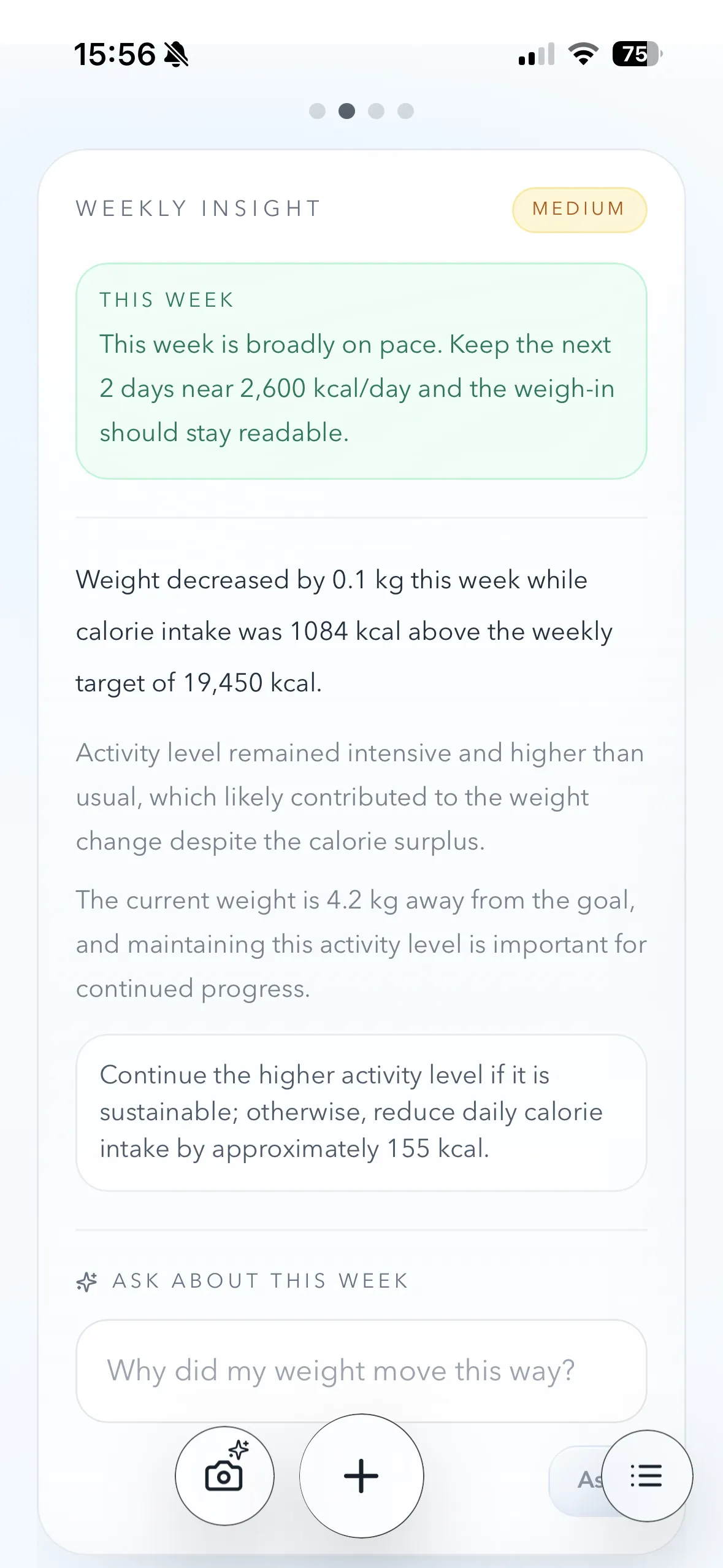
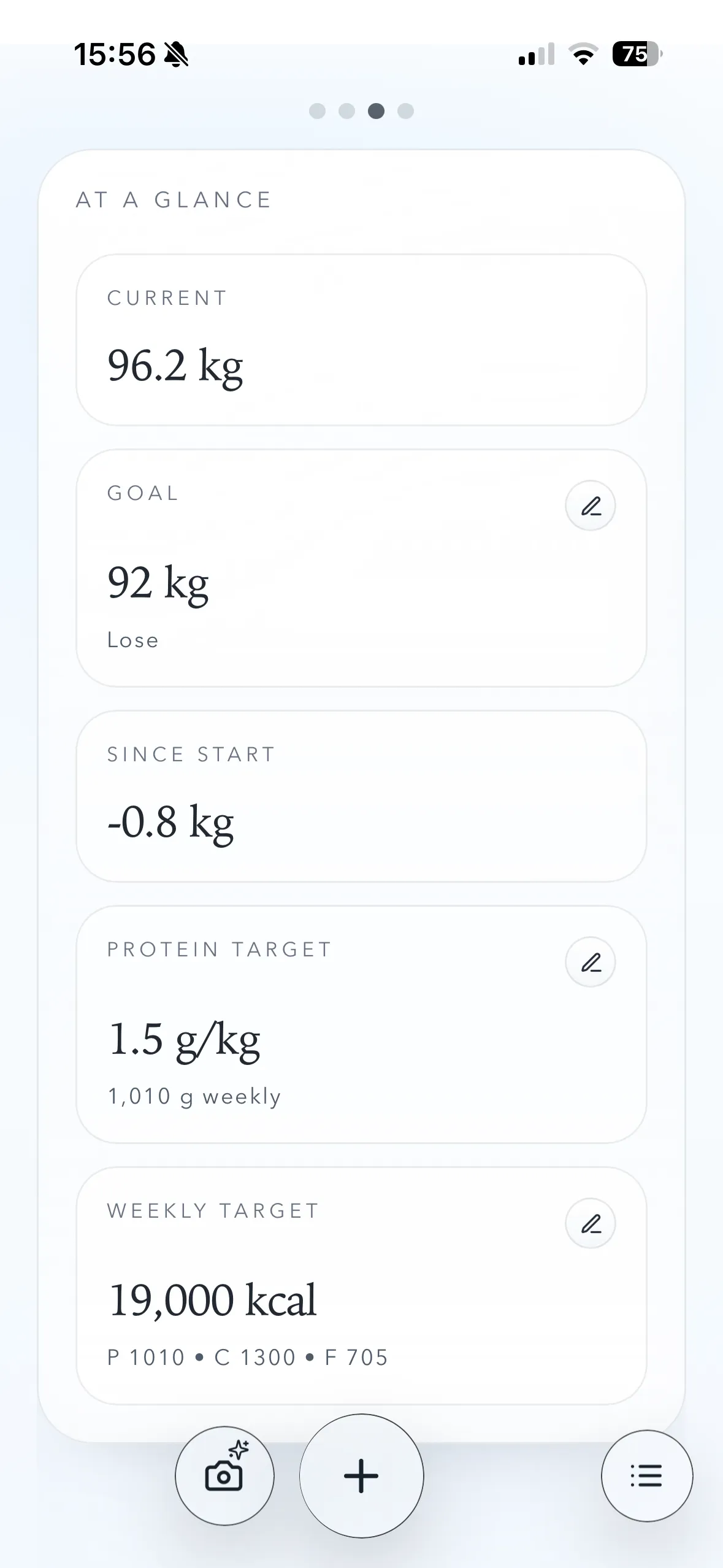
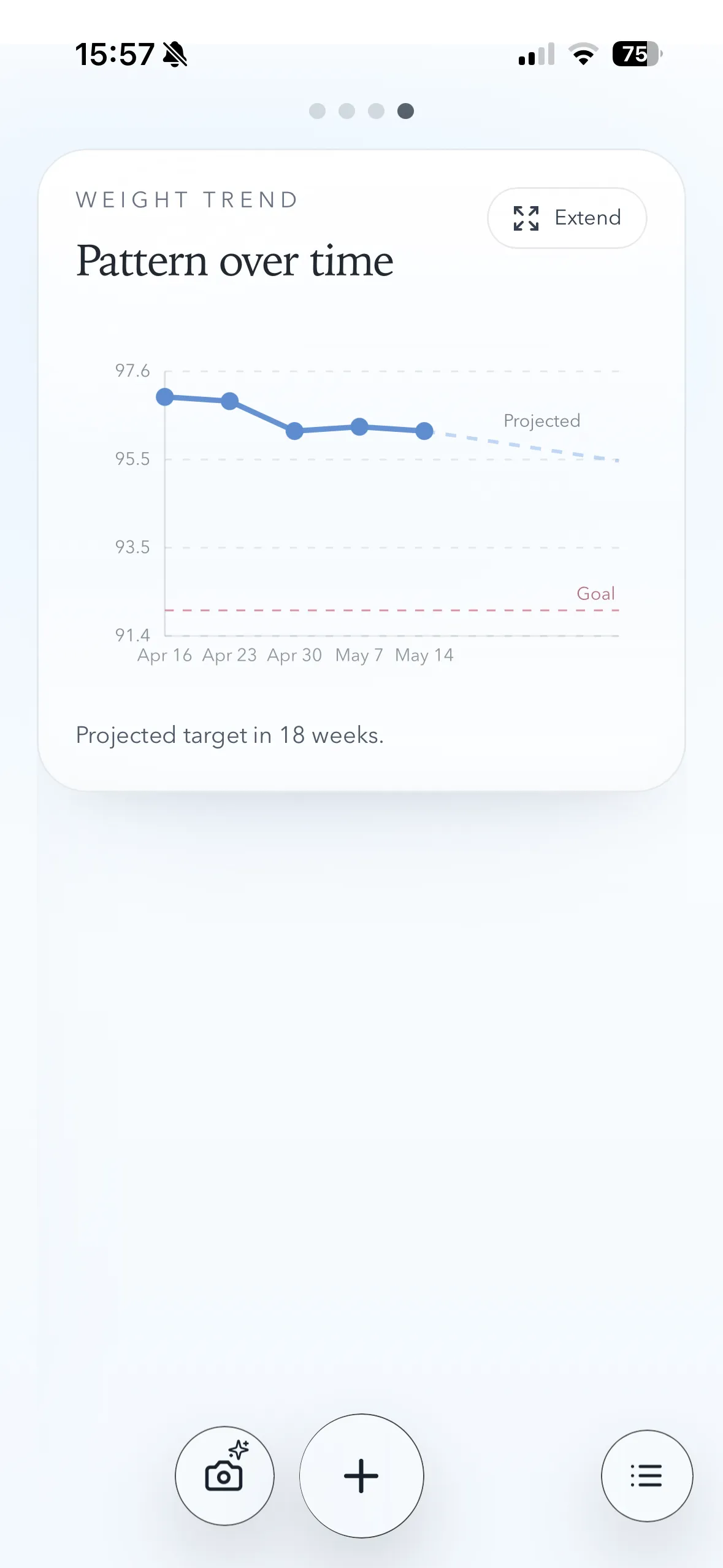
Weekly signal
Body weight moves around for all kinds of reasons that have nothing to do with real progress. Weighra is built to make the weekly cause-and-effect easier to trust.
Daily tracking
Reactive
Water, digestion, salt, and one heavy meal can make each day feel more dramatic than it really is.
Weekly tracking
Readable
One weekly calorie view plus one weigh-in strips away noise and makes the trend easier to trust.
Built for mobile
Weighra does not just shrink the desktop board. On mobile it switches to a different interface designed around taps, swipes, and quick weekly check-ins.
Mobile gallery
Touch-first screens
Video 1
The mobile layout switches to touch-sized weekly controls.
Video 2
Quick food estimates from the mobile entry flow.
Video 3
A saved app icon keeps the tracker one tap away.
How it works
The loop is intentionally simple. Weighra is not trying to manage every choice. It is trying to help you see the relationship clearly enough to make the next week smarter.
01
Use quick entries, weekly estimates, or AI help. Precision is not the point.
02
One weekly scale reading matters more than reacting to every daily fluctuation.
03
The app connects intake, activity, and weight change in plain language.
04
Keep what works, change what does not, and let the next week confirm it.
Why it works
Most apps turn food into homework. Weighra keeps the loop simple enough that you can actually stay with it long enough to learn something.
Know the chips, desserts, or snacks are getting finished this week anyway? Add them to the week and keep the signal honest.
If the default estimate feels off, change the weekly intake target and keep learning from the results.
Use AI from text, a photo, or meal labels when manual logging feels like friction.
Balance it over the week instead of treating one dinner like failure. The board keeps the context visible.
AI companion
Weighra can share anonymized weekly tracking context with an LLM so it can help you understand what is happening, what pace looks realistic, and what to adjust next.
Example question
“What should I do to lose 5kg by the end of summer?”
The companion can read your weekly weight changes, calorie targets, intake, activity level, and date context so answers are grounded in your actual log.
Ask things like “What should I do to lose 5kg by the end of summer?” and get a practical, conservative plan based on your current pace.
AI requests use tracking context needed for the answer, not your name, email, password, or account details.
See how it works
A short walkthrough will explain how the calendar, weigh-ins, calories, and weekly feedback fit together without turning the app into work.
Free to start
Included
Weekly tracking, weigh-ins, trends, targets, and the main dashboard are free to use.
AI features
AI-powered estimates and enhanced insights are paid features, with a two-week trial included when you sign up.
Comparison
Most apps ask you to track everything. Weighra is built to keep the signal clean.
Category
Weighra
Weekly, simple
Traditional apps
Daily, detailed
Coaching programs
Daily + guided
Category
Weighra
Low
Traditional apps
High
Coaching programs
Medium to high
Category
Weighra
Outcome-oriented
Traditional apps
Input-oriented
Coaching programs
Habit-oriented
Category
Weighra
Rough estimates are fine
Traditional apps
Requires precision
Coaching programs
Structured systems
Category
Weighra
2 to 5 minutes per day
Traditional apps
10 to 20 minutes per day
Coaching programs
High commitment
Category
Weighra
Understanding
Traditional apps
Control
Coaching programs
Coaching
Weighra is built for clarity, not complexity.
The difference
No perfect tracking required. No daily pressure. No dashboard overload. Just consistent input, clean feedback, and smarter weekly decisions.